Get a ZIGChain Wallet
This guide walks you through setting up Keplr for ZIGChain. Follow the steps below to get your ZIGChain wallet.
ZIGChain is available on two networks:
-
Mainnet: the primary blockchain, where transactions have real economic value.
-
Testnet: a testing environment for developers and users to experiment without risk.
Keplr Wallet
Add ZIGChain Mainnet in Keplr
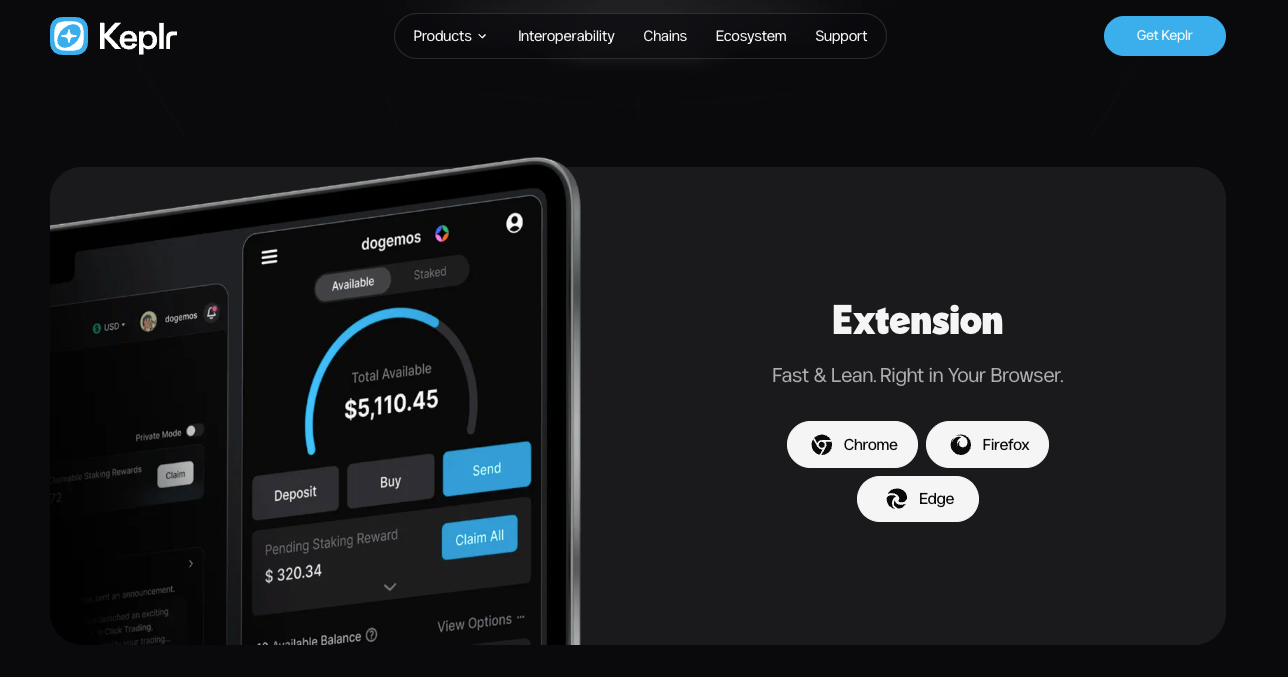
- Install the Keplr Wallet extension compatible with your browser.
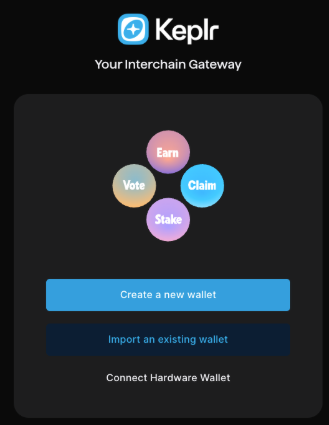
- Create a new wallet or import an existing one.
If you create a new wallet, securely back up your recovery phrase and never share it with anyone.
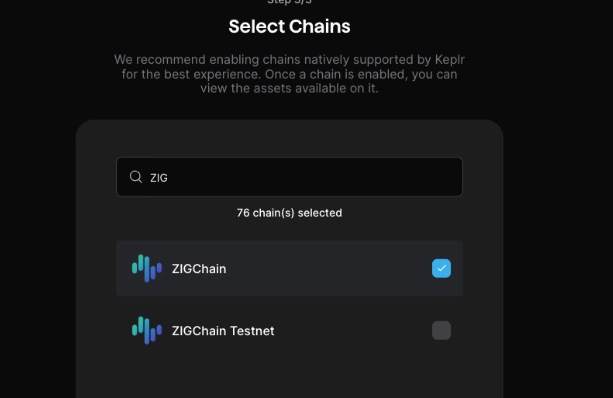
- In the setup flow, select ZIGChain and click Save.
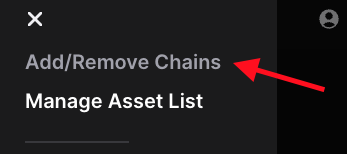
- To confirm ZIGChain is enabled, open the menu (three lines), go to Add/Remove Chains, and ensure that ZIGChain is toggled on.

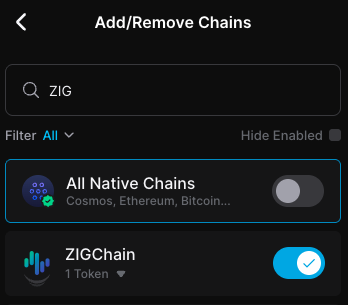
✅ Your wallet is now connected to ZIGChain Mainnet.
Switch to ZIGChain Testnet in Keplr
- Open the menu (three lines) and go to Add/Remove Chains.
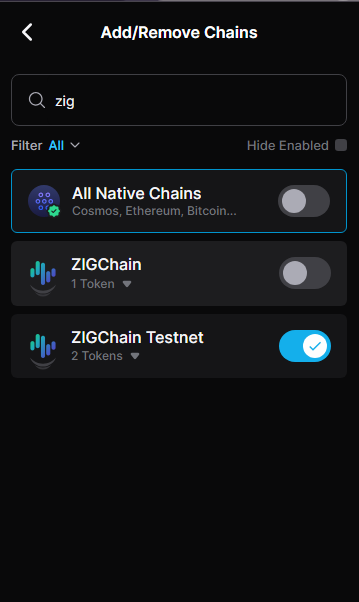
- Toggle on the option ZIGChain Testnet.
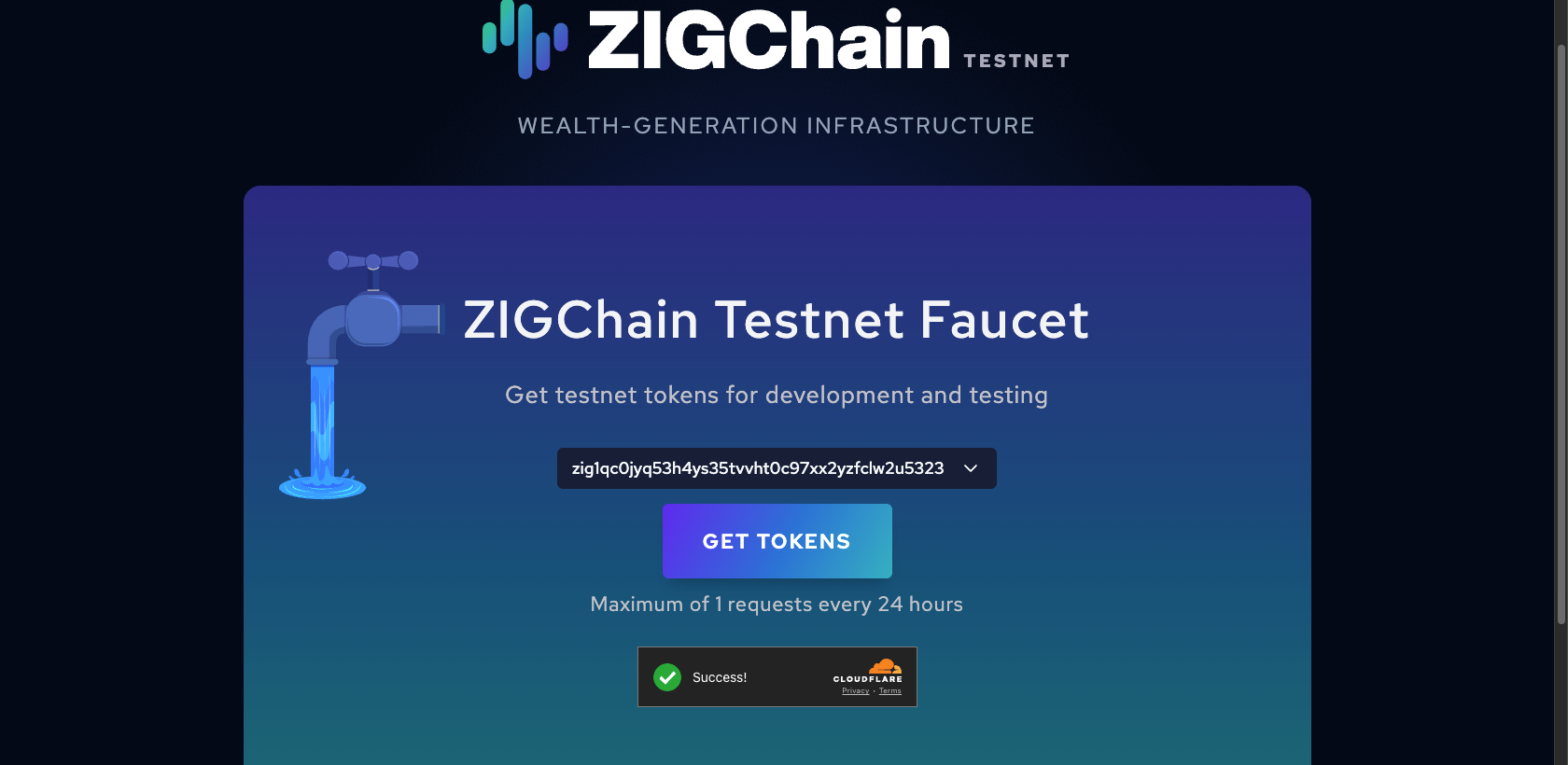
To receive tokens on Testnet, visit the ZIGChain Faucet, connect your wallet, and claim tokens. You can request tokens once per day.